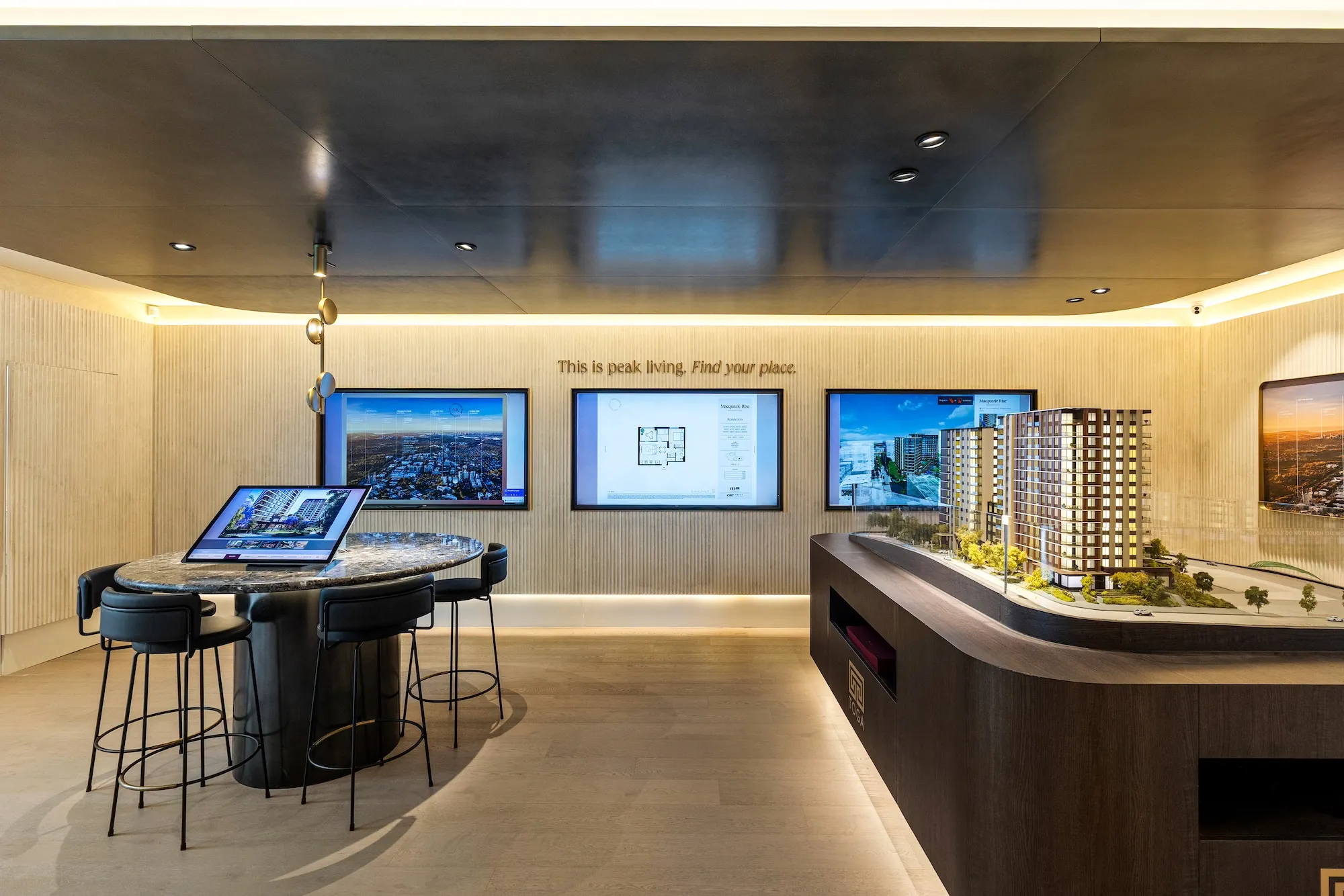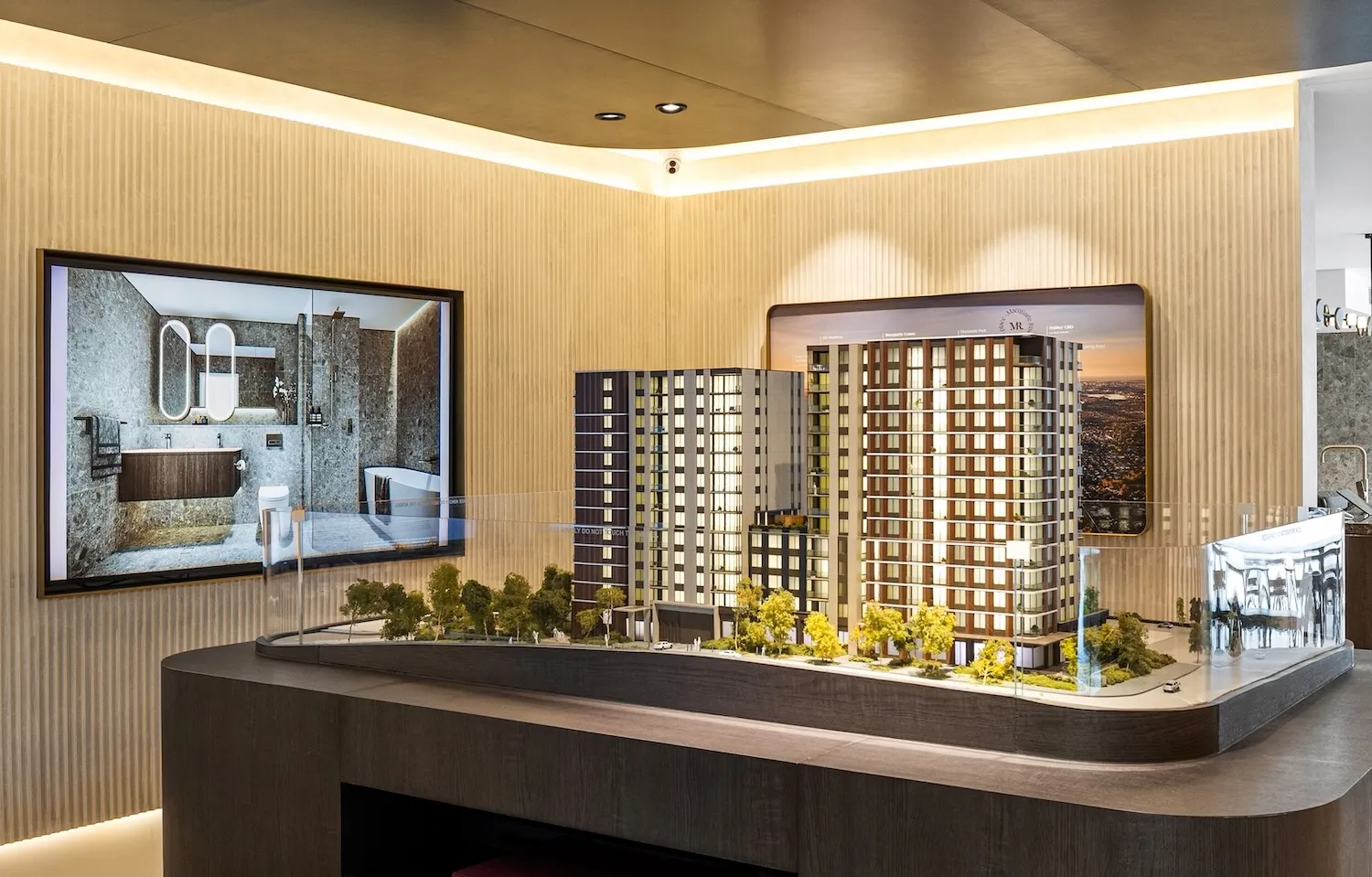
Illuminated architectural model of a residential development

Model Lighting

Digital and architectural models together.

IdeaLayer Model Lighting turns your architectural model into a live sales tool. On apartment projects, select a residence on the touch screen and see it light up on the model. On land projects, do the same for amenities and lots. Search available stock and watch matching residences illuminate instantly as you refine. When the model is idle, attract mode animates the lights throughout the model to draw buyers in.

Any touch screen in the room can sync with the model. Agents present from the main table, a wall display, or a roaming tablet, and the lighting follows the same selection. Multiple conversations can run at once without losing the connection between what buyers see on screen and what lights up on the model.
01

Pinpoint Apartments

For apartment projects, select a home on the touch screen and it lights up on the physical model. Buyers see exactly where it sits in the building, on which floor, and how it relates to neighbouring residences, without leaving the conversation.

02

Pinpoint Amenities & Lots

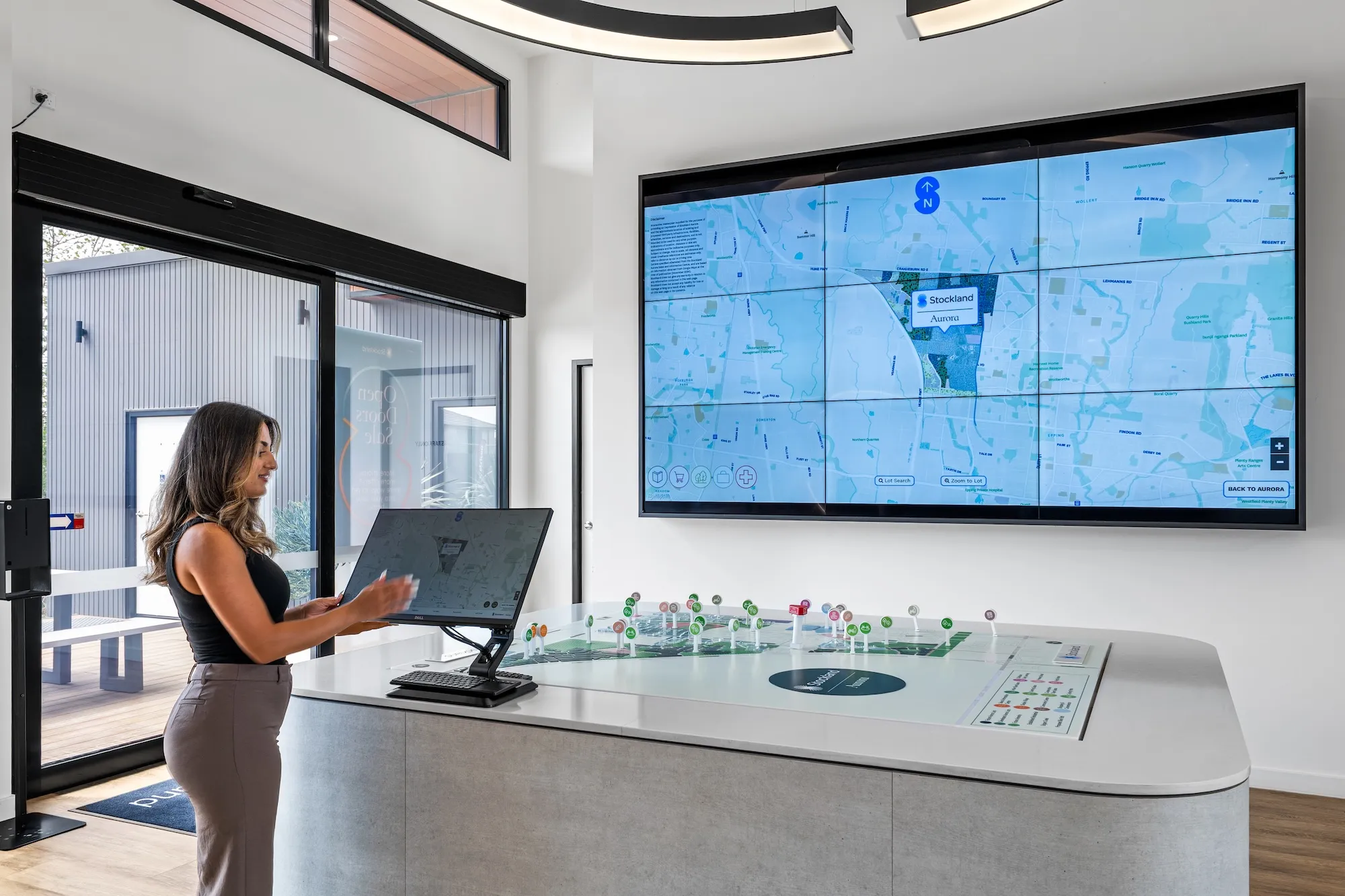
For land projects, select amenities or lots on the touch screen and they light up on the model. Buyers grasp stage layout, lot position, and lifestyle context in physical space as the sales conversation unfolds.

03

Search & Illuminate Stock

Search for apartments on the touch screen and available stock lights up automatically on the model. As you refine filters and preferences, matching units update instantly so buyers always see the current shortlist in physical space.

04

Attract Mode

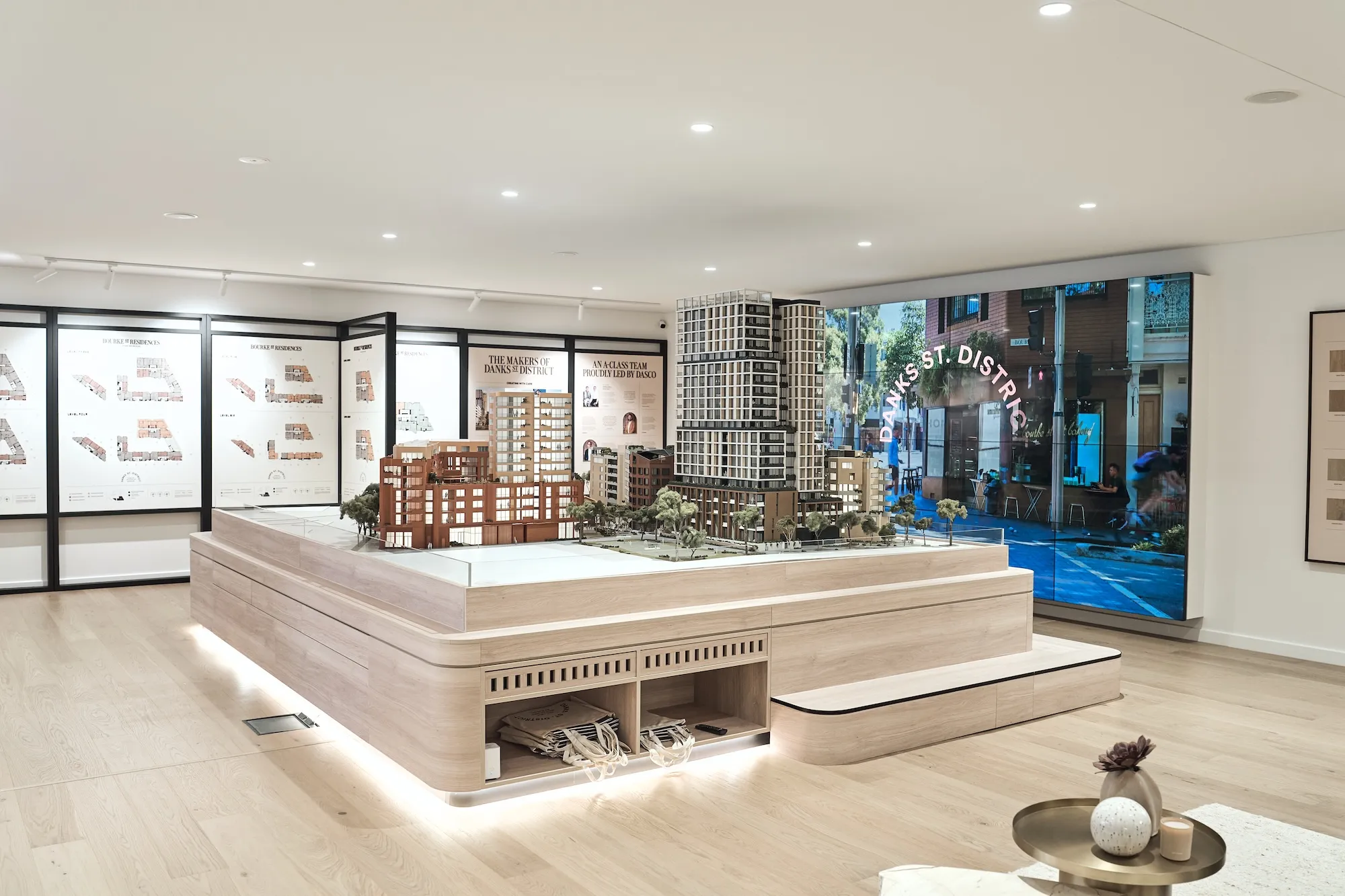
When the model is not in use, attract mode cycles through the lights in sequence. New buyers are drawn to the glow before a conversation begins, at the same time givng a visual sense of the project.

Related Case Studies

Interested in Model Lighting?

Tell us about your project and we'll show you exactly what this can do for your sales environment.

Book a Demo

Other Solutions